Quest Board
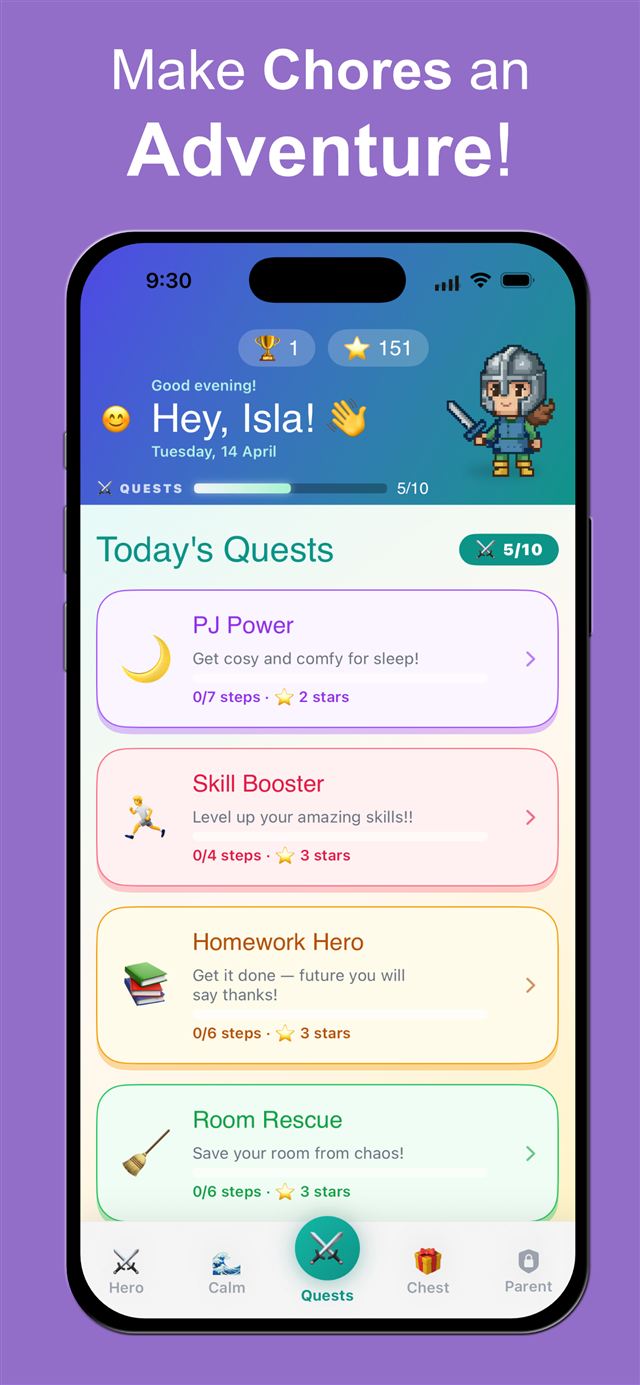
Break routines into small, satisfying steps. Watch progress bars fill as each one gets ticked off. No overwhelm — just momentum.
⭐ 3 stars

QuestStep turns your family's daily routines into quests your child actually wants to go on. Built by an ADHD-family dad whose kids now get ready on their own — no lectures, no nagging, just quests.
✦ swipe to explore ✦
Short steps prevent overwhelm — big routines become small, satisfying wins.
Visual progress makes effort visible, so momentum builds on its own.
Immediate rewards keep dopamine and motivation high, right when it matters.
Every chore app we tried, including our own first version, moved the nagging instead of removing it: "go do your app" replaced "go brush your teeth". What finally worked in our kitchen was a list that lives where the routine happens and never needs to be opened.
Any iPad from the last decade will do. Read the story behind it: Put the list where the thing happens.
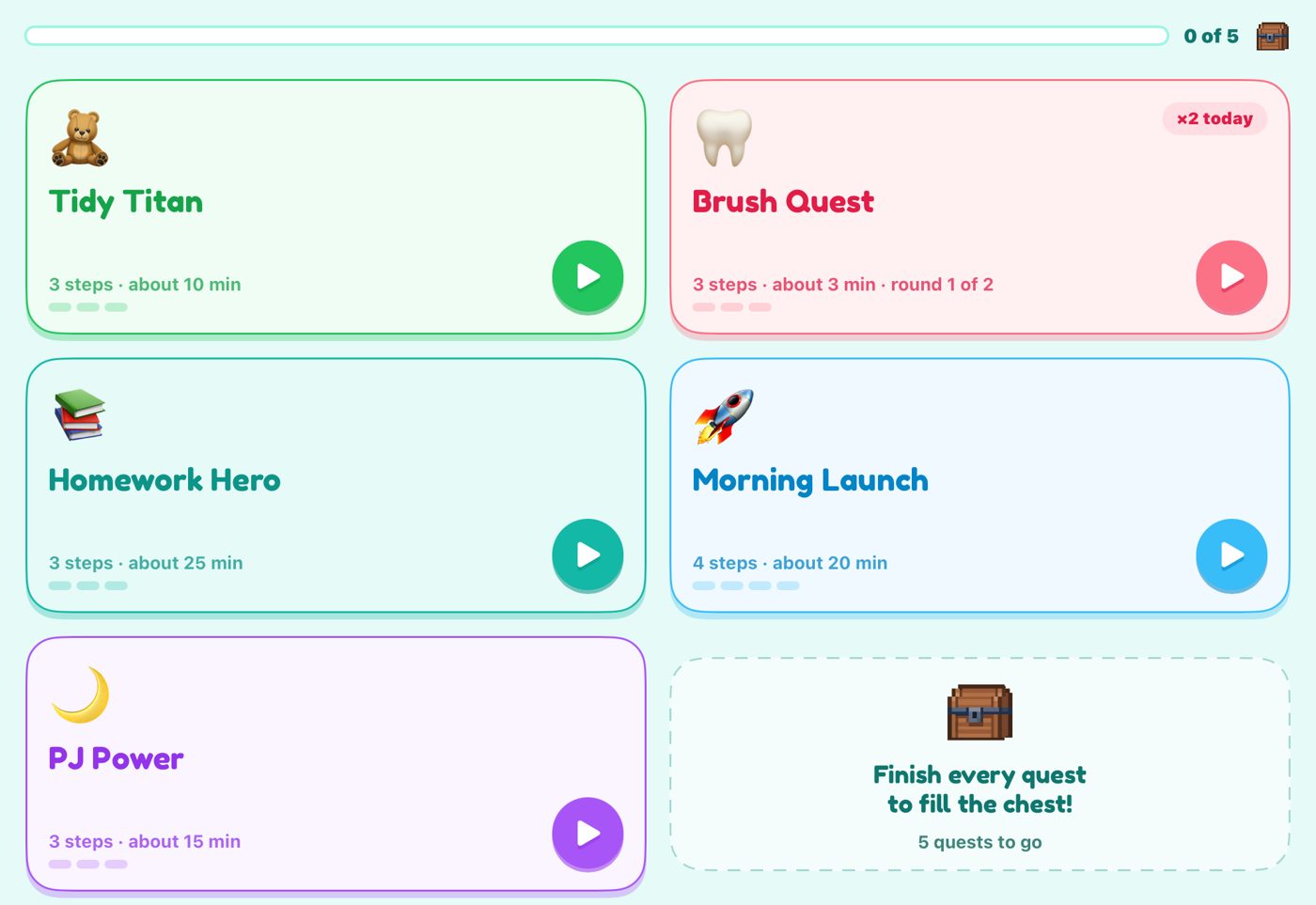
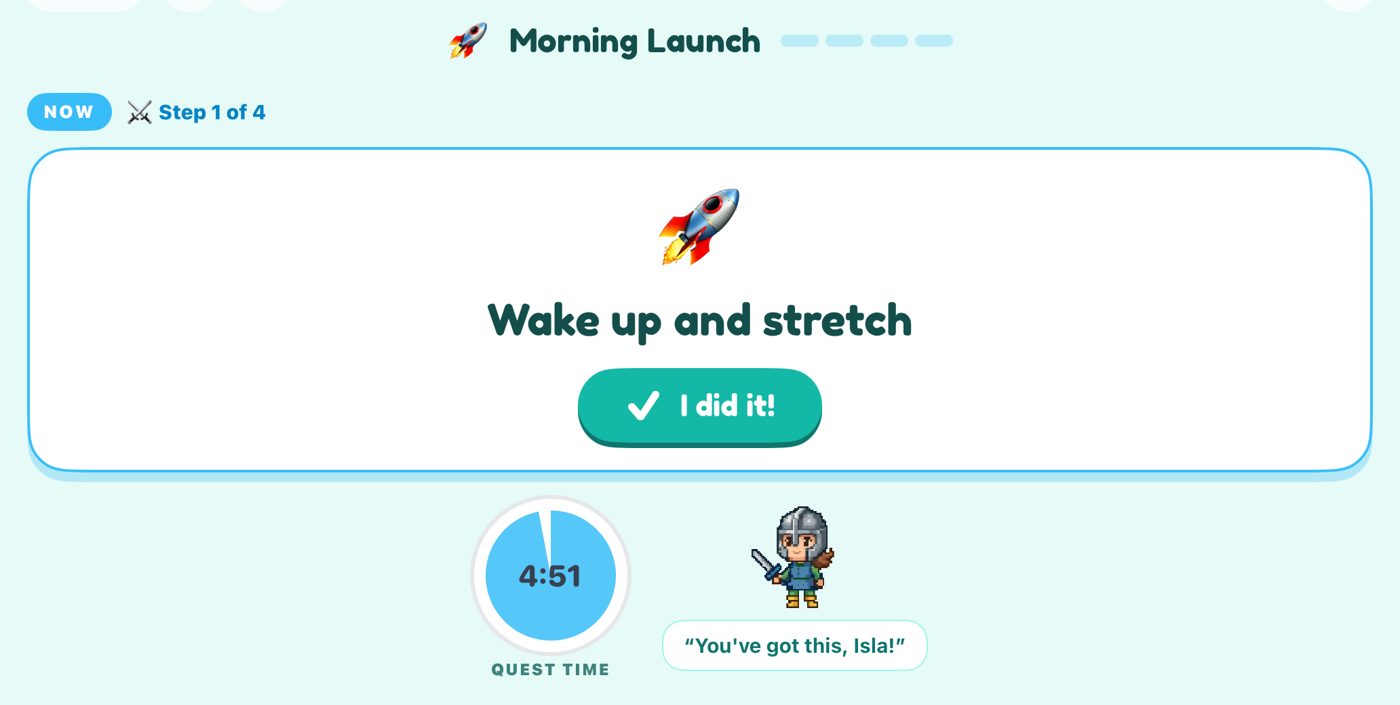
Break routines into small, satisfying steps. Watch progress bars fill as each one gets ticked off. No overwhelm — just momentum.
⭐ 3 stars
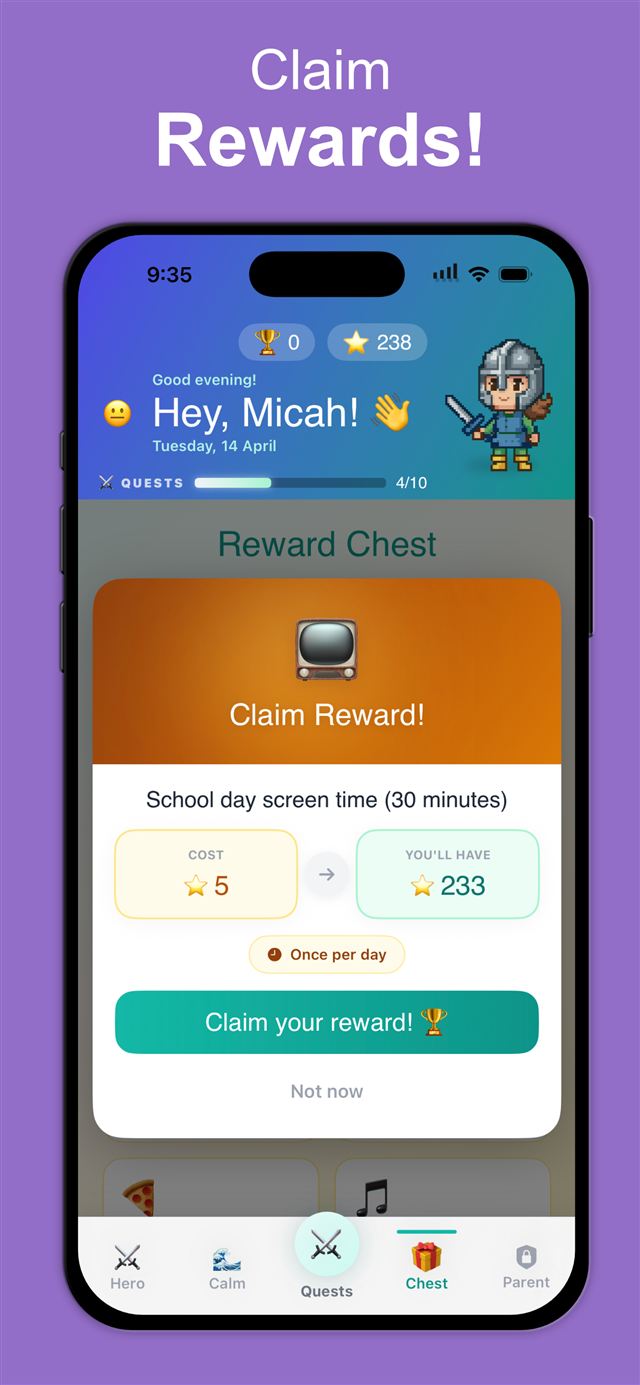
Kids earn stars for completing quests. You decide what stars buy — screen time, a treat, or a movie night. Motivation on your terms.
⭐ 3 stars
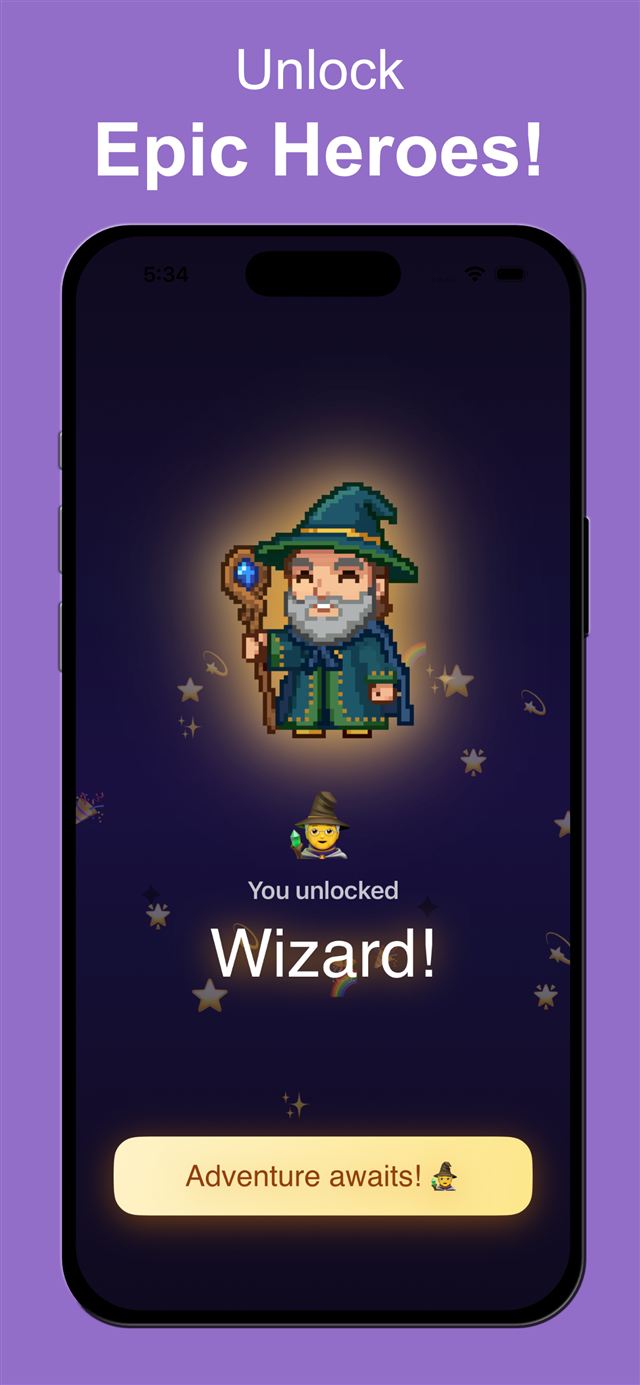
Earn enough stars and unlock a new hero — knights, wizards and more. Because every child deserves to feel legendary.
⭐ 2 stars
A built-in countdown keeps them on task without you having to say a word. Link it to a quest or use it standalone.
⭐ 2 stars
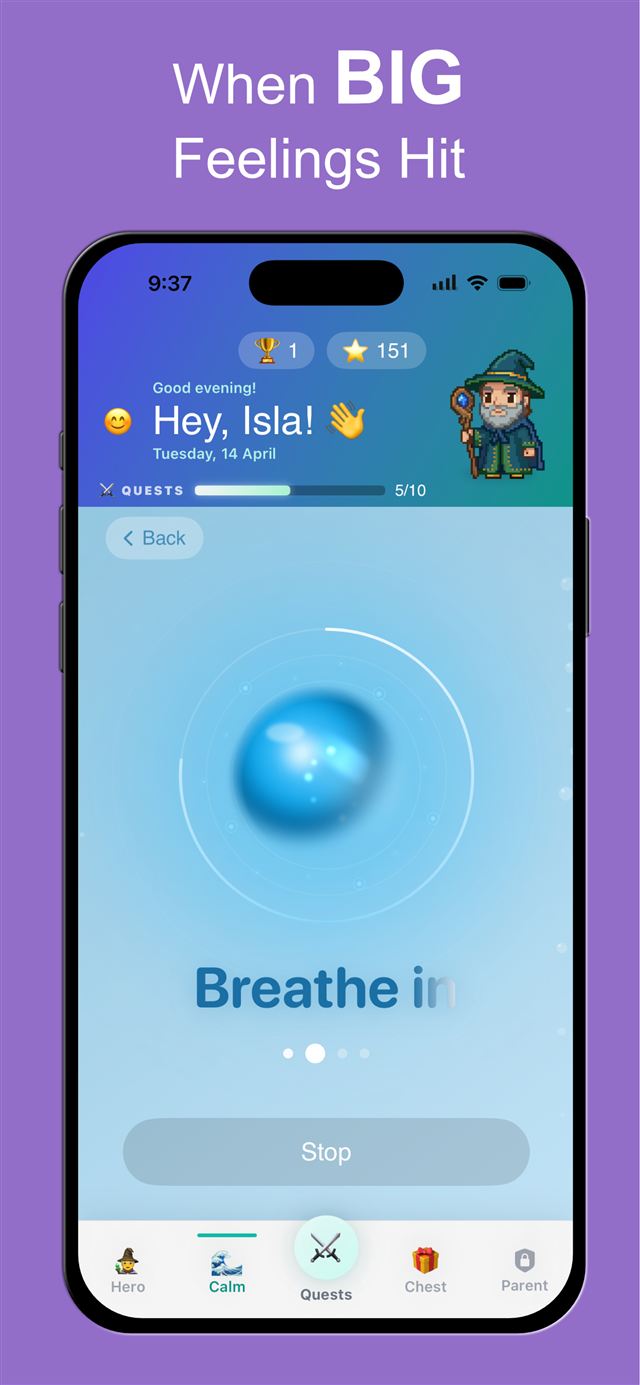
When big feelings hit, step inside. Dragon Breathing, 5-4-3-2-1 grounding, Wiggle Breaks and Knight's Mantras help kids reset before it becomes a meltdown.
⭐ 3 stars
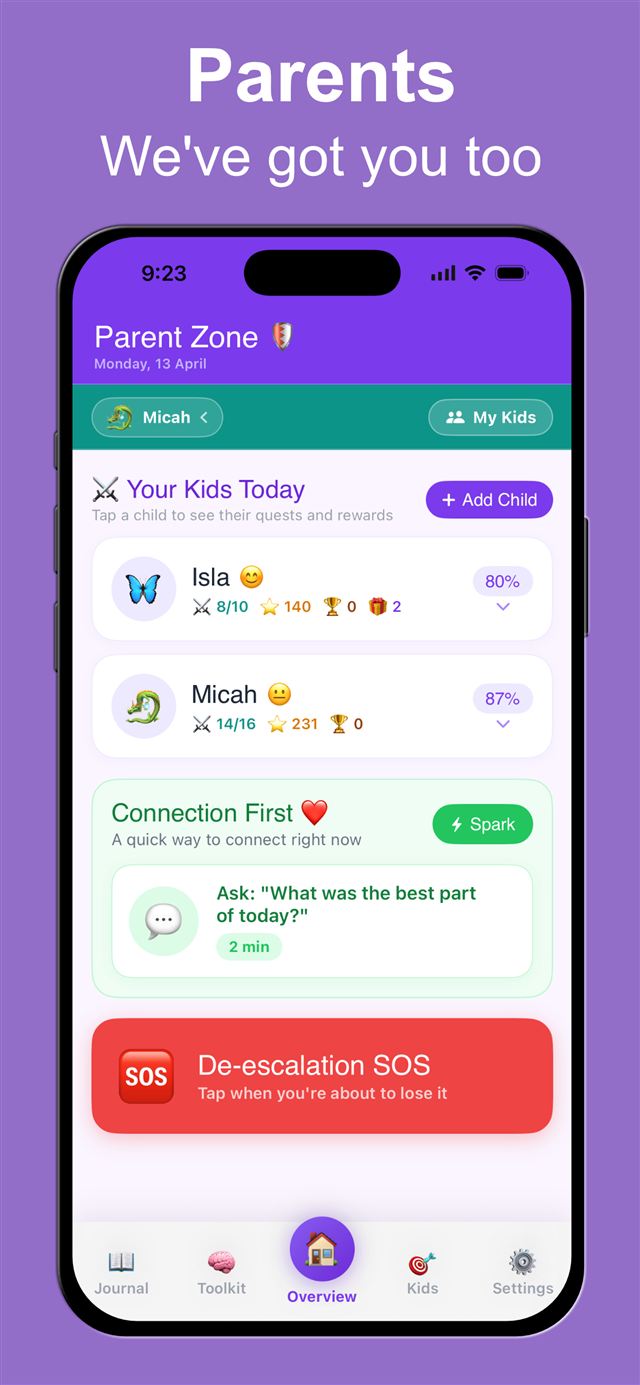
Manage every child, quest and reward in one dashboard — plus reflection prompts, connection starters, and a De-escalation SOS for the hard moments. The parent needs support too.
⭐ 3 stars
$0 — no time limit
For the whole party
Yes. The free plan has no time limit and includes 5 quests, 5 rewards, one child, the Quest Board, the Focus Timer and the Sanctuary calm tools. QuestStep Pro adds more quests, rewards and children plus the full hero roster, with a 7-day free trial on the yearly plan.
Roughly 5 to 11. Old enough to follow picture steps and tap a big button, young enough to still love unlocking a pixel hero. Younger kids use it with a parent alongside; older kids tend to prefer plainer checklists.
Yes. The things that help ADHD kids, visual steps, a visual timer instead of a clock, small immediate rewards and no punishments, help most kids. Many autistic children like the predictability of the same picture steps every day. It's a routines tool, not a therapy.
A full-screen mode built for an old iPad or spare phone propped up in the kitchen or bathroom. Big picture tiles for today's routines, one step at a time with a shrinking timer, and a celebration when it's done. The list lives where the routine happens, so nobody has to remind your child to open an app. See it above.
iPhone and iPad, and the Quest Board is designed for iPad. No Android version yet. One family account syncs across all your Apple devices, so a parent phone and a kitchen iPad share the same quests and stars.
No. Routines recur automatically and kids mark their own steps done. You decide what stars can buy, and rewards are claimed from the chest. There's no daily approval queue, because anything that needs the parent to unlock things every day stops being used within a week. We learned that the hard way.
One dad in Australia with two ADHD kids, on evenings and weekends. Replies to support@queststep.app come from him, usually within a day. If something's annoying you, say so; it goes straight into what gets built next.
Joon, Brili, Goally, Skylight, a whiteboard and QuestStep. Who each one is actually for, including when it isn't us.
Every app in this category has the same complaint at week three. It's not the app's fault, and it's not yours either.
The one change that got our mornings running without my voice: an old iPad, a $15 stand, and the kitchen bench.
If your kid's meds kick in after the school run, gamification is the wrong tool for mornings. Here's what moved the needle.
Where every brave step earns glory
Need help with your quests?
Email us at: support@queststep.app